
Enabling Feature
- To enable this feature, access your global settings page and scroll down to the Technician Settings
- Check the box next to "Allow technician to move stops/services to a different day" and click Submit
Using Feature in Tech View
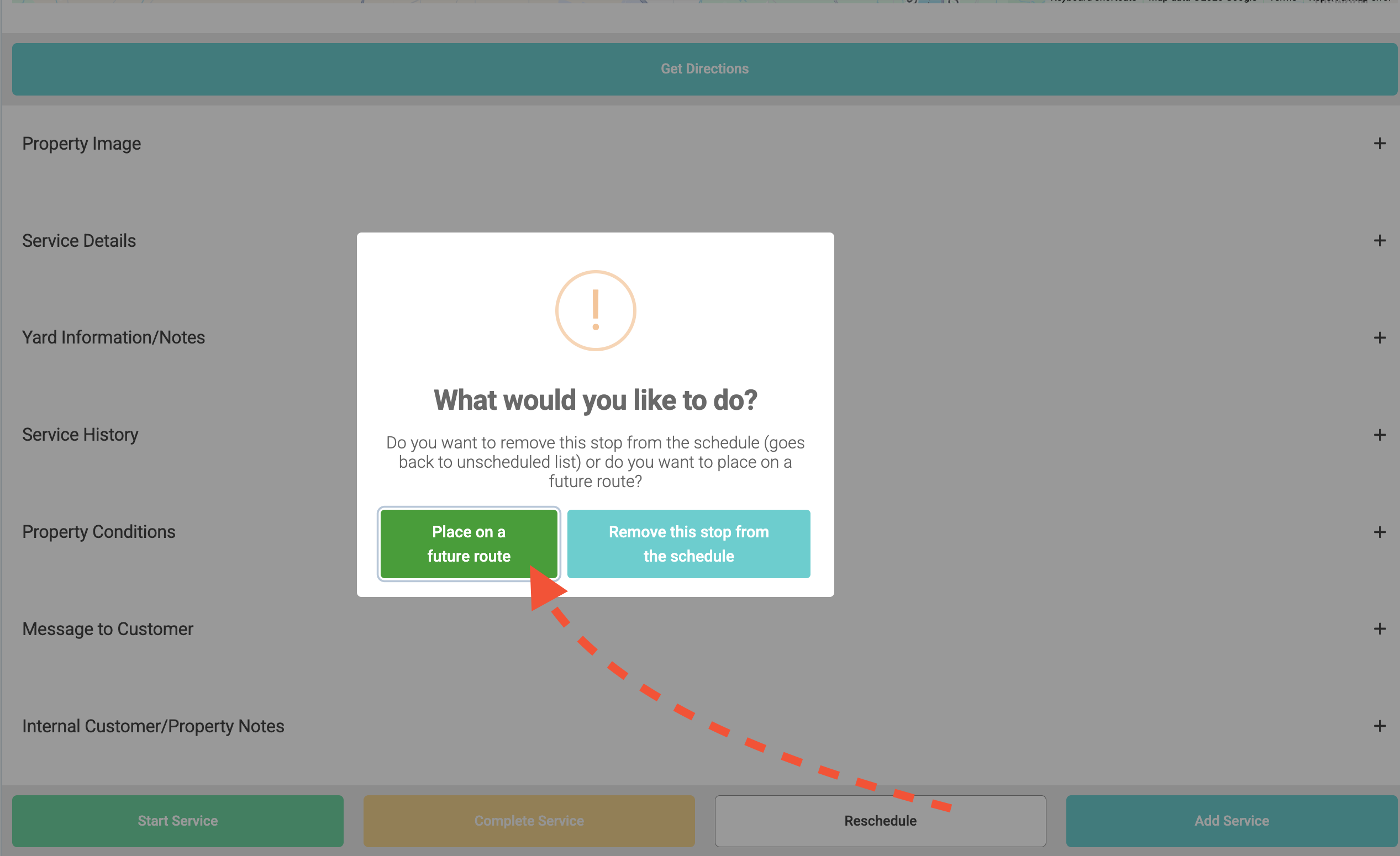
- After selecting an individual stop, scroll to the bottom and click Reschedule
- Select "Place on a future route"
- Fill out the prompts and click Save